Design Your Own Glasses Online: Step by Step
By Dr. Qaria,
Designing your own glasses online used to mean picking a frame from a photo and hoping it fitted. Today a good online tool lets you start from your own measurements, choose a frame that fits, pick a colour and lenses, and see the price before you order. This guide shows how to do it step by step, and what to check before you pay.
We use OpteLux Design your pair as the worked example, because we know exactly what it offers. The same steps apply to any shop that makes custom glasses.
Before you start: what to have ready
- Your PD (pupillary distance) in millimetres. The figure from your optician is best.
- Your sight test, signed by a specialist, as a photo or PDF, if you need prescription lenses.
- A camera on your phone or computer, and good light on your face, if you want to measure or try on.
- A rough idea of use: office, reading, driving, or all day.
Step 1: Start from your face
Custom glasses start with fit, not with style. In Design your pair, step 1 asks for your PD in mm. If you do not know it, you can measure it with your camera in the face and PD measurement tool, or with a ruler and a mirror as our guide on how to measure PD at home explains. Camera figures are estimates. If you have a PD from your optician, use that one.
You can also let the camera read your face. A scan of about five seconds, in good daylight if you can, reads your face shape and skin undertone. It runs on your device and nothing is uploaded. You can also set both by hand:
- Face shape: Oval, Round, Square or Long.
- Skin undertone: Warm if gold jewellery looks best on you, Cool if silver does, Neutral if both do.
If the scan result does not look right to you, change it. You know your face better than a camera does.
Step 2: Choose a frame that fits
With your PD entered, the frame list becomes useful. Each frame has a PD range. A frame whose range includes your PD is a sensible size for your face. Once your face shape and undertone are set, the tool suggests frames for you, so you can start from a shortlist instead of the full list.
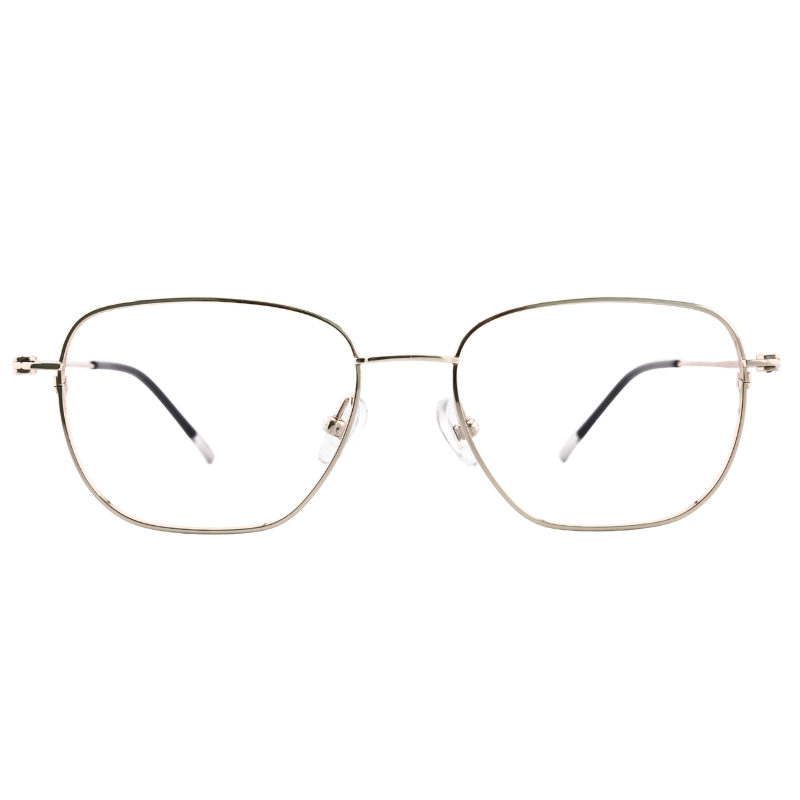
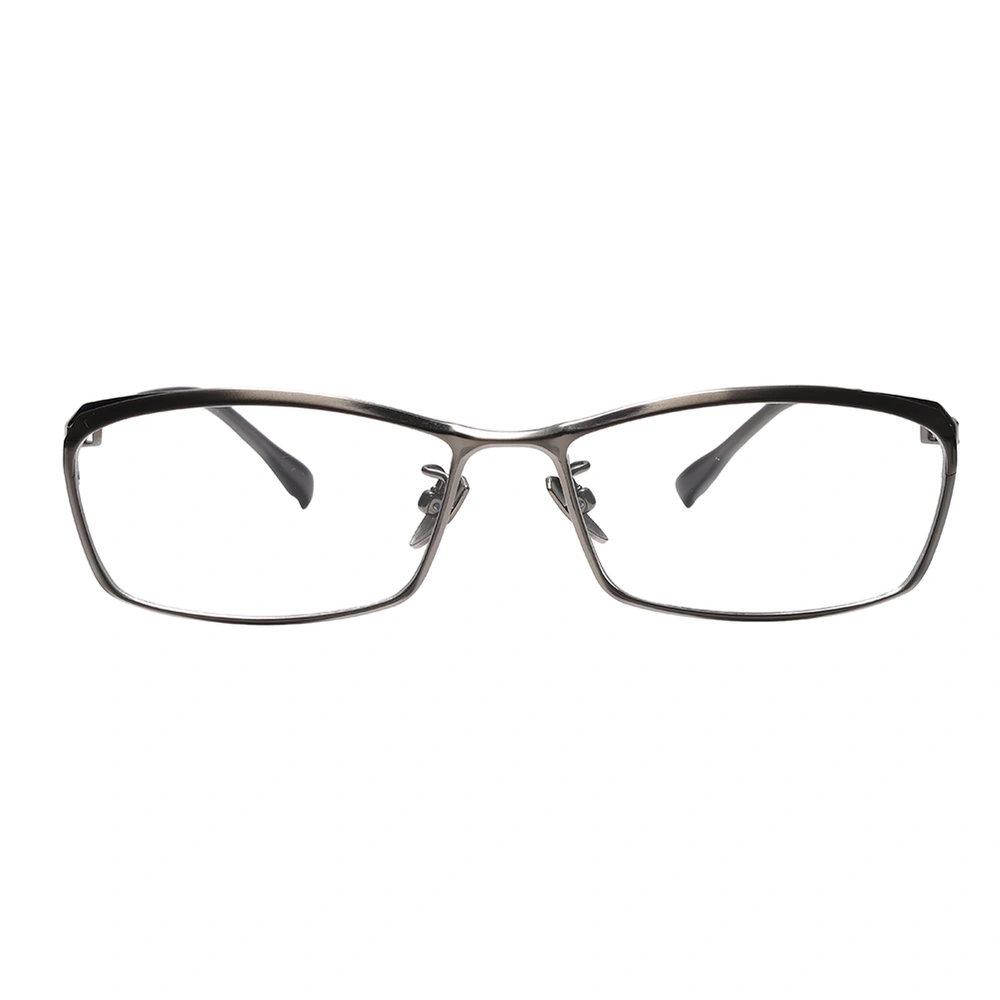
You can also filter by shape: Aviator, Boston, Browline, Geometric, Oval, Rectangle, Round and Square. Most of the frames are titanium. Each one shows its price, its shape and its material.
Two tips for choosing:
- Pick a shape that contrasts with your face a little. Angular frames often suit round faces; softer shapes often suit square faces. Our article on eyeglasses for your face shape goes into more detail.
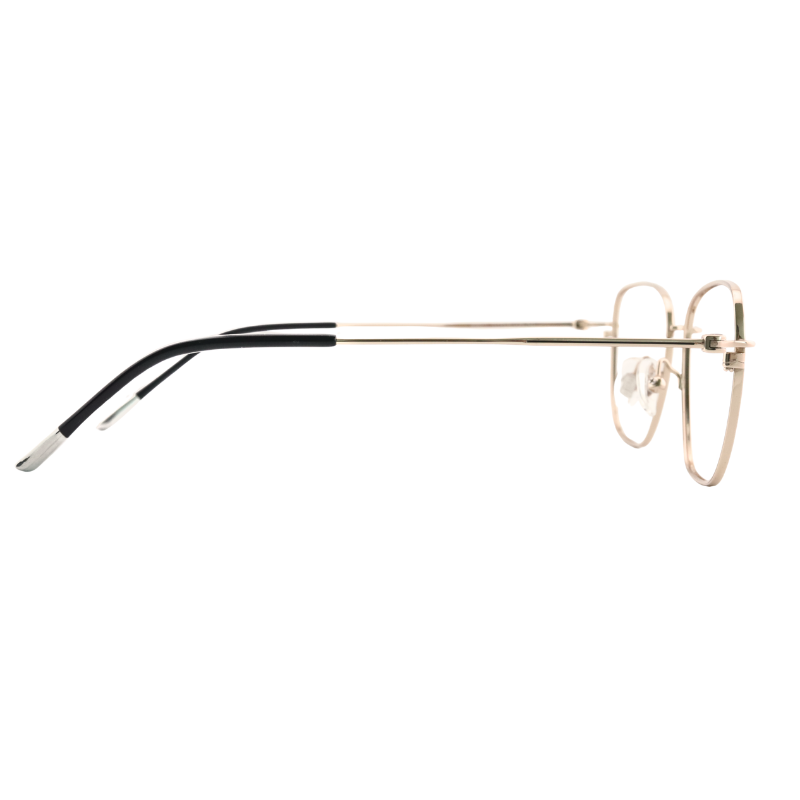
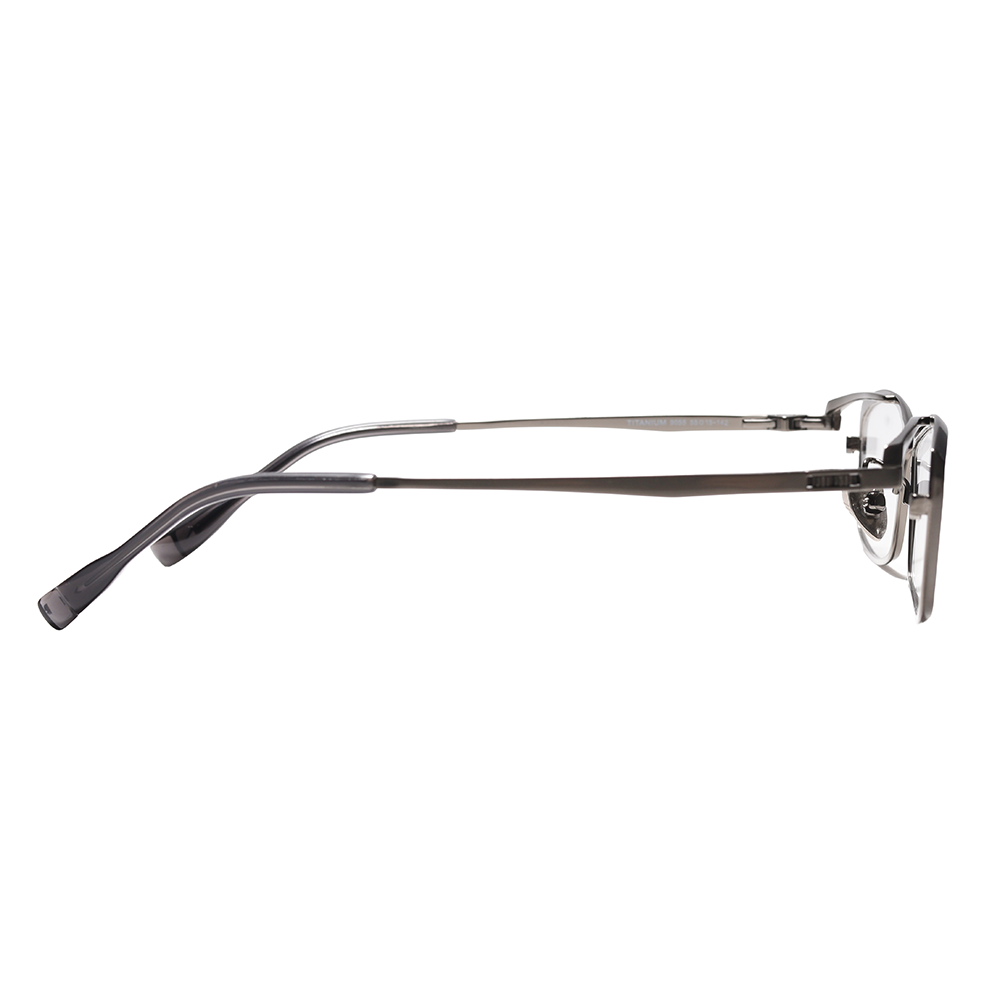
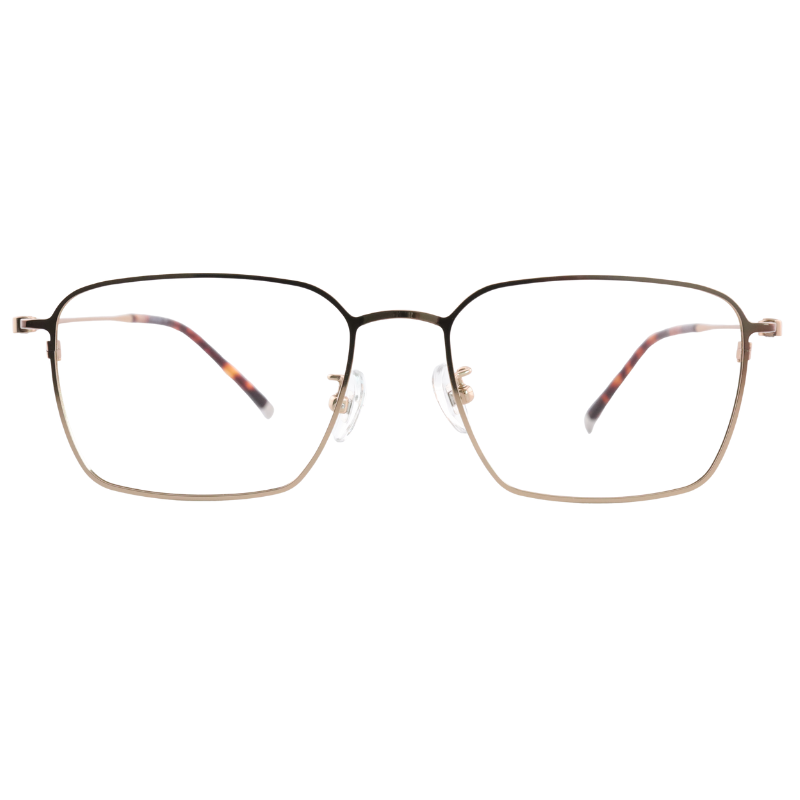
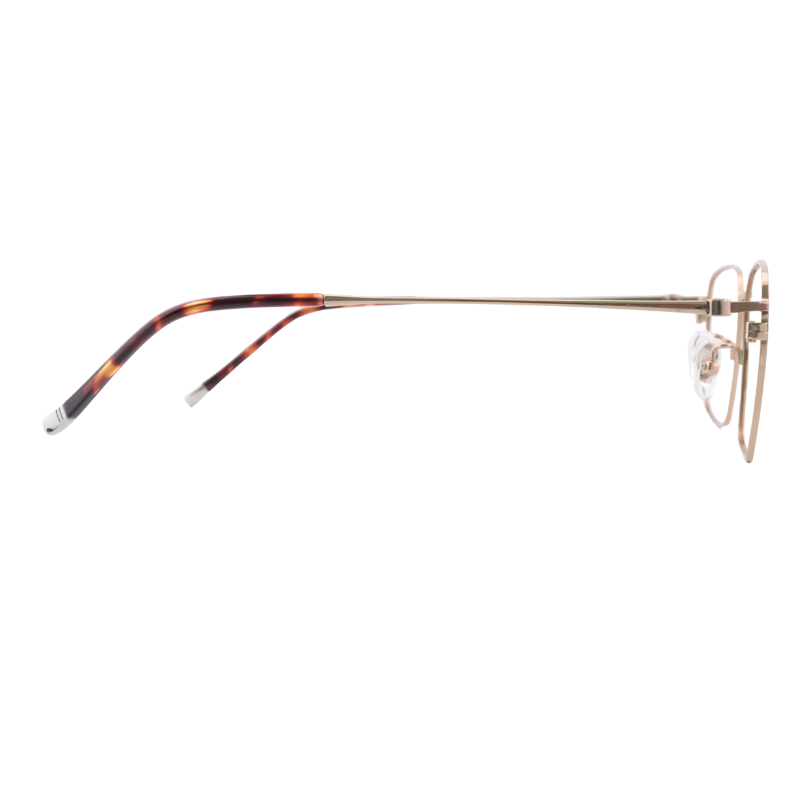
- If you will wear the glasses all day, weight matters. The ONC8803 weighs 7.83 g, frame only. Every labelled OpteLux frame weighed so far is under 15 g.
Before you go further, you can try the frame on. "Try on with your camera" places the real frame photo on your face at its estimated size. Look straight at the camera so the frame sits right. Nothing is uploaded.
Step 3: Choose a real colour
Next, pick the colour of the frame. The tool lists the colours of the frame you chose; for the ONC8803 these are Black, Gold, Gun and Silver. The photo changes with your choice, so you see the frame you will get.
If you set your skin undertone in step 1, it can help here. Gold often sits well with a warm undertone, silver with a cool one. Black and gun suit most people and look calm in an office.
Step 4: Choose your lenses
This is where custom glasses become yours. There are four choices:
- Prescription: for distance or everyday wear, made from your sight test. You upload it as a photo or PDF of up to 10 MB. Only OpteLux can open it.
- Reading: magnifying lenses for close work and reading, +$50.
- No prescription: clear lenses without a prescription.
- Frame only: just the frame, if you want to fit your own lenses later.
For prescription lenses you also choose the lens thickness. The stronger the prescription, the thinner the lens you need. The options are 1.50 to 1.52 (standard), 1.53 to 1.60 (mid-index), 1.61 to 1.67 and 1.70 to 1.74 (high-index), and 1.75 and above (ultra high, price on request). Our guide to lens index explains how to match the index to your prescription. If you are unsure, ask your optician which one they would choose.
Step 5: Coating and extras
The coating sets how the lens surface behaves day to day. There are three levels:
| Coating | What it includes | Price at the time of writing |
|---|---|---|
| Standard | Hardened coating, easy-clean film, mirror film | +$180 |
| Business | Diamond crystal film, anti-fog film, light-adaptive lenses included | +$360 |
| Premium | Diamond crystal A4, polarized, high sensitivity, full vision | +$890 |
Two extras can be added:
- Blue-light filter (+$60): filters part of the blue light from screens.
- Light-adaptive (+$85): darkens outdoors in the tint you choose and stays clear indoors.
Note that the Business coating already includes light-adaptive lenses, so check your choices before you add the extra.
Step 6: Personal touches
This step is optional, and it is what makes a pair feel made for you.
- Name engraving (+$15): one name lasered on an arm, in any language. It adds about one working day.
- Colour for the arms (+$30): both arms in a colour you choose. The photo still shows the frame in its own colour, so picture the arms in your colour.
Something more personal: ask for a price
Some requests do not fit a list. Gold or silver, gems, a logo, or a colour that is not on the list can all be asked for. Use "Ask for a price" at the end of the tool: your design is sent with your message, and we reply by e-mail with the price and the time it takes. Nothing is ordered until you agree.
Watch the price as you go
The price updates with every choice. As an example at the time of writing: the ONC8803 frame at $66, plus 1.50 to 1.52 lenses at +$110, plus the Standard coating at +$180, comes to $356. The 25% off your first order is taken off at checkout. Lens and coating prices can change, so always check the total shown in the tool.
What to check before you order
- PD: use your optician's figure if you have it. A camera reading is an estimate.
- Frame size: your PD sits inside the frame's PD range.
- Sight test: it is readable, signed by a specialist and is your current one.
- Lens use: prescription, reading, no prescription or frame only, as you need.
- Lens thickness: matches the strength of your prescription.
- Coating and extras: no doubled features, such as light-adaptive twice.
- Engraving: spelling and language are exactly right.
- Returns: OpteLux gives 30-day returns on every frame. Lenses have their own return rules, so read the return policy for lenses before you order.
Start your own design
Designing your own glasses online works best when you go in this order: fit, frame, colour, lenses, coating, personal touches, then a last check. All the tools in the VisionCraft Center are free and need no account. When you are ready, open Design your pair and start from your PD.
Questions and answers
Can I design my own glasses online without visiting a shop?
Yes. You need your PD, your sight test if you want prescription lenses, and a camera if you want to measure or try on. The PD and sight test from your optician remain the reference.
What can I personalise in OpteLux Design your pair?
The frame, its colour, the lenses, the coating and extras, name engraving on an arm (+$15) and a colour for both arms (+$30), at the time of writing. For gold, silver, gems, a logo or another colour, use Ask for a price.
Is my camera picture uploaded when I design my pair?
No. The face scan, the measurement and the try-on run in your own browser. The camera picture never leaves your device.
Can I return custom glasses?
OpteLux gives 30-day returns on every frame. Lenses are made to order for you, so read the return policy for lenses before you order.
General guidance, not a replacement for an eye examination by a qualified specialist. About the author.